Wie ist denn jetzt eigentlich die richtige Einstellung für gsync? ?
Früher musste man doch vsync im control Panel auf off haben und im Spiel ebenfalls.
Jetz muss man vsync im Panel off und im Spiel auf on?
Hab jetzt nen Monitor mit " echtem" gsync und bin verwirrt ?
Nuja, du hast ja schon Antworten bekommen, trotzdem schreibe ich nochmal.
Wenn du nochmal im Detail wissen möchtest, warum das Ganze:
G-SYNC Module The G-SYNC module is a small chip that replaces the display's standard internal scaler, and contains enough onboard memory to hold and process a single frame at a time. The module exploits the vertical blanking interval (the span between the previous and next frame scan) to...

blurbusters.com
(Den Link habe ich schon als Lesezeichen weil das Thema so oft aufkommt ^^, älter aber immer noch aktuell)
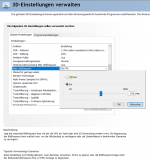
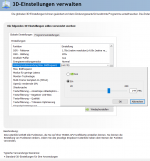
Die ultimative set and forget Einstellung im nVidia Treiber ist:
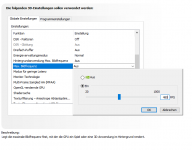
Modus für geringe Latenz: Ultra wenn kein FPS Limiter benutzt wird. EIN wenn ein FPS Limiter genutzt wird.
Falls ein FPS-Limiter zum Einsatz kommt, ein Minimum von -3 der Monitor Obergrenze sprich z.B. 141 FPS
@144Hz.
Monitor Technologie: Gsync oder Gsync Kompatibilität.
VSync: EIN (im Spiel immer AUS!)
Meine Antwort müsste noch viel länger ausfallen, so viel könnte man hierzu schreiben.
Aber grundsätzlich hast du dann ein Bild immer innerhalb der "GSync Range" und dazu noch garantiert "tearing frei".
E-Sportler machen bitte ALLES aus, leben mit dem vermurksten Bild und vergessen nicht, die DPI der Mouse auf mindestens 1600 zu stellen zwecks geringerer Latenz