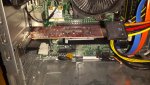
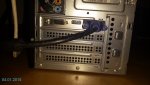
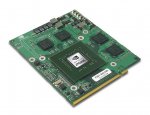
Ein paar sachen habe ich von diesem Text abgeleitet
There has been many reported compatibility issues with certain video cards and the XPS 8300, 8500 and now the 8700.
Make sure you are uninstalling the drivers for the video cards before removing them and putting in a new card. Make sure the power supply is unplugged and you have pressed and held the power button for at least 15 seconds. You may also want to try removing the CMOS battery. Then install the new video card, replace the battery and plug the power cord back in.
Also, Plug the monitor into the onboard graphics and restart. Press F12 or F8 to enter the Boot Menu. Under the Boot Menu, there should be a setting "Change Boot Mode Setting". That setting will have the option to turn UEFI Secure Boot On or Off, change it to Off. This is a common problem in Windows 8 that happens when trying to add another video card because of a conflict with Secure Boot and the new UEFI motherboards where you don't post or get beep codes.
Und weiter unten stand das, dass vielen geholfen hat deshalb bin ich mal davon ausgegangen das ich so vorgehen muss würdest du es denn anders machen?